إزاي بيشتغل
سجّل. بعدين تبيع.
الطريق الحقيقي. افتح مساحة الشغل. انشر الكتالوج. وصّل الإنبوكس. خد الفلوس. اشحن. افتح المتجر. شغّل كيان لو حابب. نظام واحد.
01
التسجيل
المنطقة، الحساب، النشاط، والخطة. خمس خطوات. بعدين مساحة الشغل بتاعتك. المدفوع بيعدي على Stripe. المجاني من غير كارت.

 ساستمني
سجّل دلوقتي
المنطقة
الحساب
الشغل
الباقة
المراجعة
بتشغّل منين؟
بنستخدم ده لأرقام الموبايل والعملة وإعدادات الدفع في مساحة شغلك.
دي عملة المحل والأسعار المعروضة. الدفع على Sastemny بيتم بالدولار.
تغيير اللغة مش هيغيّر عملة الفوترة اللي اخترتها فوق.
نفس التسجيل اللي هتستخدمه.
02
الكتالوج
أصناف، متغيرات، تكلفة، وسعر بيع. مفيش حاجة للبيع غير لما تنشرها.
ساستمني9:41الكتالوج
5 أصناف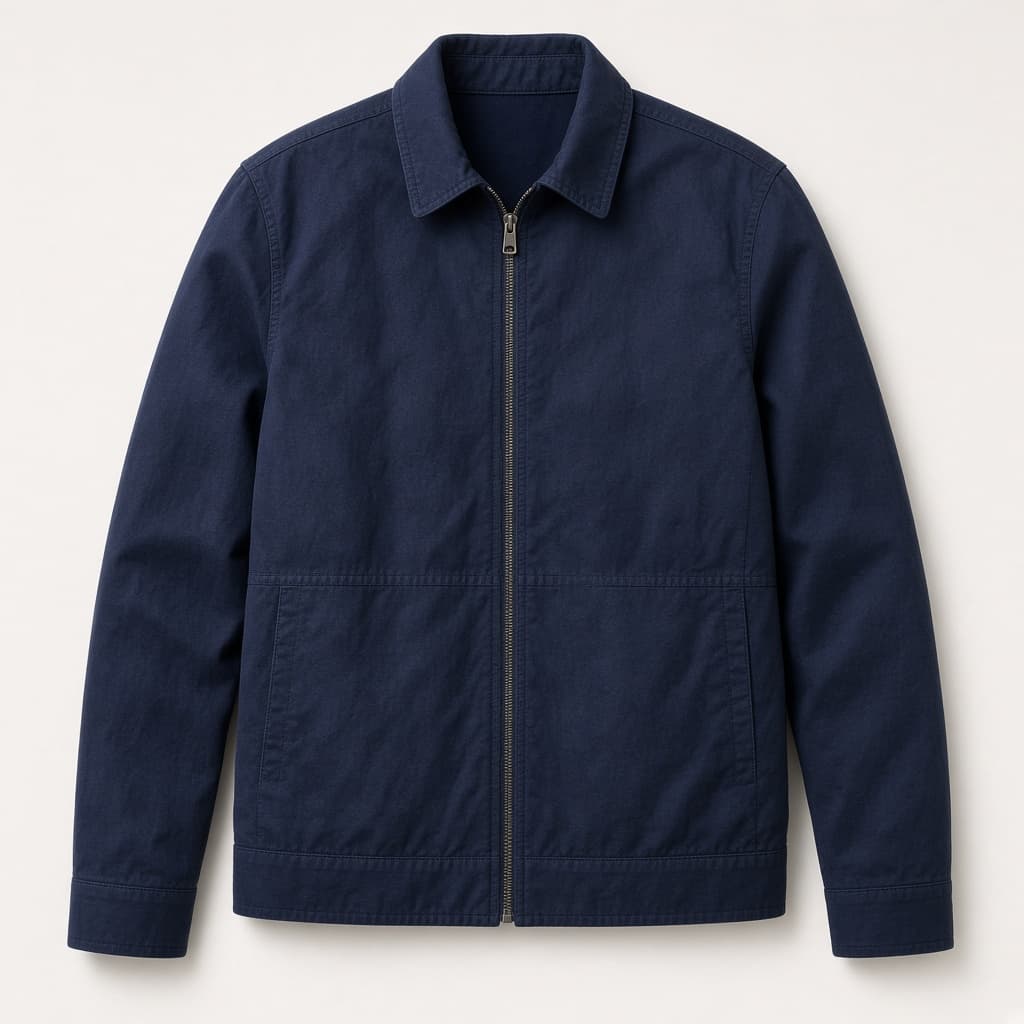
الكتالوج على جهازك — المنتجات والمخزون والأوردرات في قائمة واحدة.
03
الإنبوكس
واتساب وإنستغرام وفيسبوك في إنبوكس واحد. وصّل الشاتات اللي عندك.
ساستمني9:41المحادثات
8 نشطةأحمد م.
واتساب · مصر
أهلاً! أنا كيان — أقدر أساعدك في المقاسات والمخزون.
دلوقتي
الجاكيت الأزرق مقاس L موجود؟ عايز أستلم بكره.
من دقيقة
أيوه L متوفر. فتحتلك طلب 1042 للاستلام بكره وبعتّ لينك الدفع.
من دقيقة
تمام. هبعت التحويل دلوقتي.
دلوقتي
مساحة الشغل الحقيقية على جهازك — واتساب وإنستجرام وفيسبوك في إنبوكس واحد.
04
المدفوعات
باي موب وماي فاتورة وسترايب والدفع عند الاستلام. محفظة ودفتر وسحب في كتاب واحد.
ساستمني9:41المحفظة
دفتر كاش داخلي. الدخل والسحب على الدفاتر.
المتاح
١٢٬٤٠٠٫٠٠ US$
إجمالي الإيراد
٢٤٬٨٠٠٫٠٠ US$
عربون محتجز
١٬٨٠٠٫٠٠ US$
اتصرف
٦٬٤٠٠٫٠٠ US$
مستحق COD
٣٬٢٠٠٫٠٠ US$
رصيد محفظة الكاش
السحب هنا بيحدّث الدفتر. مفيش تحويل بنكي من الشاشة دي.
١٢٬٤٠٠٫٠٠ US$
سجّل سحبالدخل حسب الطريقة
الدخل حسب القناة
آخر الحركات
- كارت · الجاكيت الكحليدفع · أوردر 1042+٨٩٠٫٠٠ US$
- COD · الجاكيت الكحليتحصيل كاش · أوردر 1041+٨٩٠٫٠٠ US$
- كارت · قميص الكتاندفع · أوردر 1039+٤٨٠٫٠٠ US$
- استرجاع · قميص الكتاناسترجاع · أوردر 1038−٤٨٠٫٠٠ US$
آخر السحوبات
- سحب المالكامبارح٢٬٠٠٠٫٠٠ US$مكتمل
- سحب المالك٣٠ يوم٤٬٤٠٠٫٠٠ US$مكتمل
المحفظة. النظرة والدفتر والسحب وتدفق الكاش.
05
الشحن
الشحن من. بوسطة في البيت. فيديكس وأرامكس وDHL لما الأوردر يطلع برّه. التتبّع يرجع.
ساستمني9:41التنفيذ
شركات شغّالة#1042 · جاكيت كحلي · L
مدفوعأحمد م.
- من
- المخزن الرئيسي
- مدينة نصر
- إلى
- أحمد م.
- القاهرة الجديدة
الطريقة
عادي
الرسوم
٥٠٫٠٠ US$
موعد التوصيل
ظهر · 12–17
التتبّع
BOS-928401
الملصق · بيتطبع من لوحة شركة الشحن
- ✓جديد
- ✓اتعلّب
- ✓اتشحن
- 4في الطريق
- 5اتسلّم
بوسطة محلي. فيديكس وأرامكس وDHL دولي. التتبّع يرجع.
06
المتجر
متجرك. دومينك. تحكم في الأقسام، أو اكتب لنا ونبنيه في ٣ أيام.
ساستمني9:41atelier.shop.sastemny.app
ده المتجر. التعديل ظاهر عليه.
العنوان
الجاكت الكحلي. موجود.
زود قسم
الجاكت الكحلي. موجود.
من الكتالوج ده. على المتجر ده.
اشتري الجاكت
جاكت كحلي
٨٩٠٫٠٠ US$
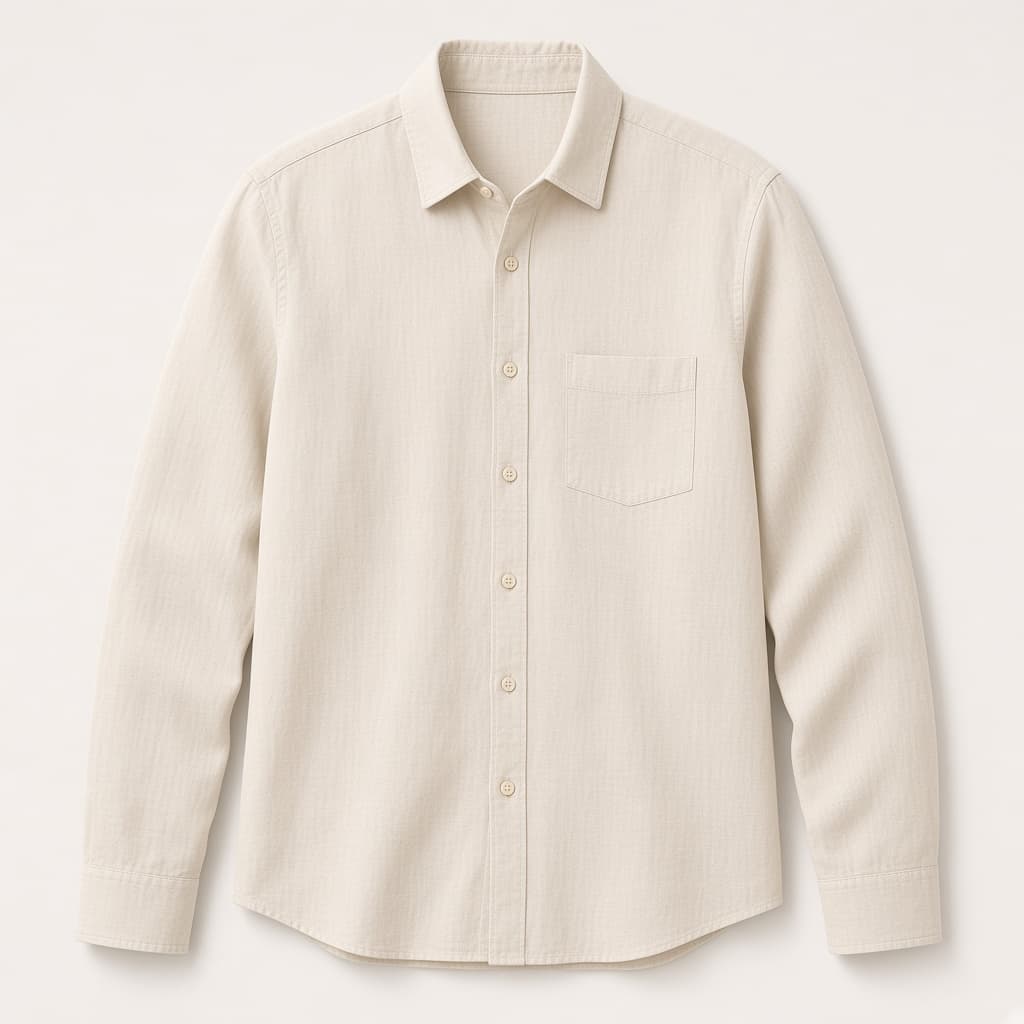
قميص كتان
٤٨٠٫٠٠ US$
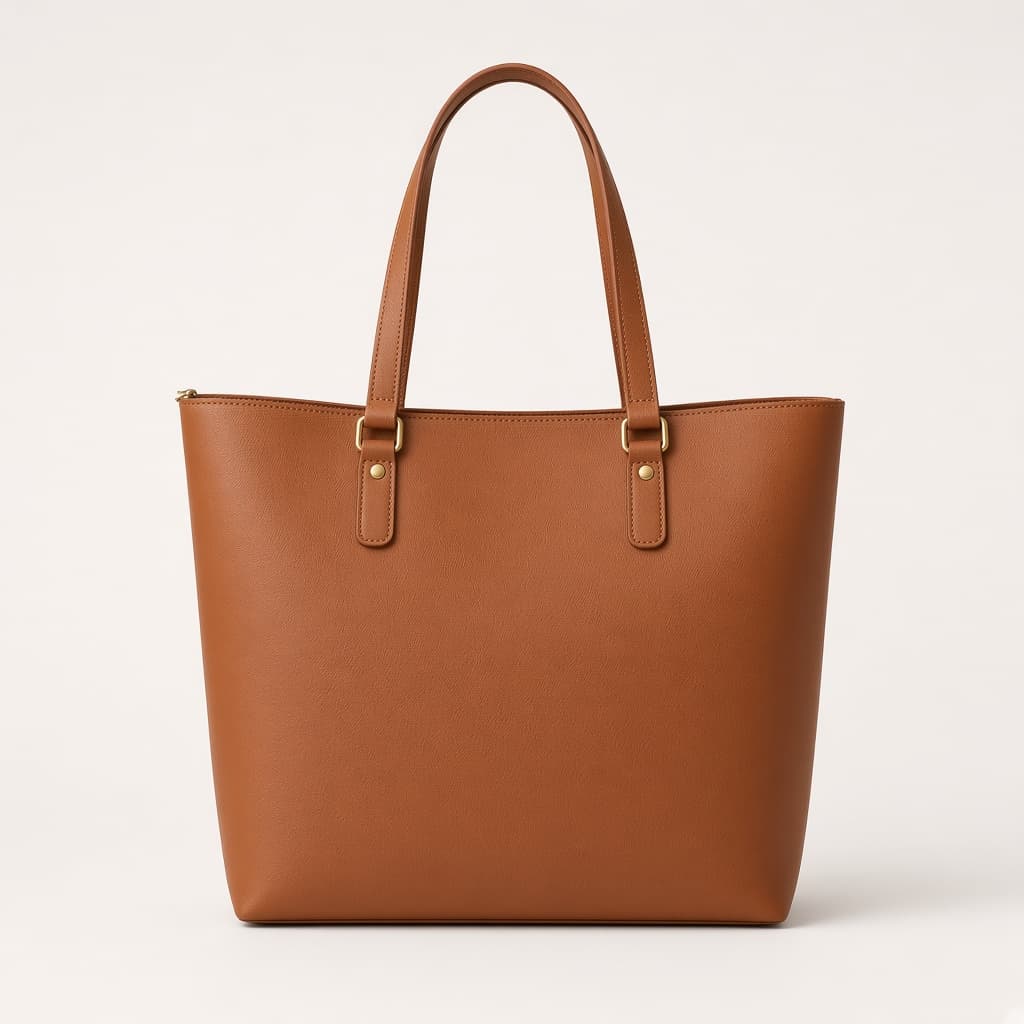
شنطة جلد
٧٩٠٫٠٠ US$
المحرر. الأقسام، الهوية، ومعاينة لايف.
07
كيان
كيان بتبيع من كتالوجك. إنت بتحدد الأدوات والساعات والوقف. مش شرط تبدأ بيها.
ساستمني9:41كيان
كيان
مساعدة عملاء
النبرة
اللغة
تلقائي
الساعات
09:00–21:00
تعمل
تقتبس أسعار البيع من الكتالوج المعتمد بس.
متعملش
متخترعش أصناف مش في الكتالوج.
أحمد م.
واتساب
الجاكيت الكحلي مقاس L موجود؟
أيوه. L متوفر. سعر البيع من الكتالوج.
تقدر على ٧٥٠؟
الكتالوج ٨٩٠. أقدر أقابلك على ٨٢٠.
فتحت أوردر معلّق ١٠٤٢. لينك الدفع في المحادثة.
مركز التحكم. الشخصية والأدوات والورديات والإيقاف.
أسئلة
أسئلة عن الطريق
محتاج كل خطوة عشان أبيع؟
محتاج مساحة شغل، كتالوج، قناة، وطريقة تاخد بيها فلوس. الشحن والمتجر وكيان لما تحتاجهم.
التسجيل فيه إيه؟
المنطقة، الحساب، النشاط، الخطة، المراجعة. خمس خطوات. بعدين تدخل مساحة الشغل.
كيان إجباري؟
لأ. تقدر تبيع من الإنبوكس بنفسك. كيان موجودة لما تحب الكتالوج يتكلم.
أقدر أعدّي المتجر؟
أيوه. محلات كتير بتبيع من الشات بس. المتجر على دومينك لما تحتاجه.
المتجر المخصص في قد إيه؟
المتجر المخصص ٣ أيام بالكتير، متصل بالنظام ده. اكتب لنا.